
Run your own trivia night.
Already hosting? Sign in →
Free. Your phone is the host, your friends' phones are the players, wherever they are. A TV if you want one.
Host a nightTwo minutes to sign up with Google.
How it works
- Pick a gameThree styles, eighteen categories, or your own questions. Fade Away for a first game.
- Everyone joins with a four-letter codeThey go to goodcalltrivia.com and type it, or scan the QR on the TV. No app, no account.
- The game runs itselfQuestion, answer, fun fact, standings. You watch.
- Hold any answer when players want to argueOne press on your phone freezes the answer and the fun fact on every screen; one more carries on.
What you can do with it
Your own room, scores kept night to night
Your room gets its own four-letter code. Friends join from a phone or a PC, from the sofa or another city, and anyone who sets a PIN keeps their name and scores from night to night. Three game styles, eighteen categories and thousands of questions are ready on night one.
The four styles → Make it fit your room →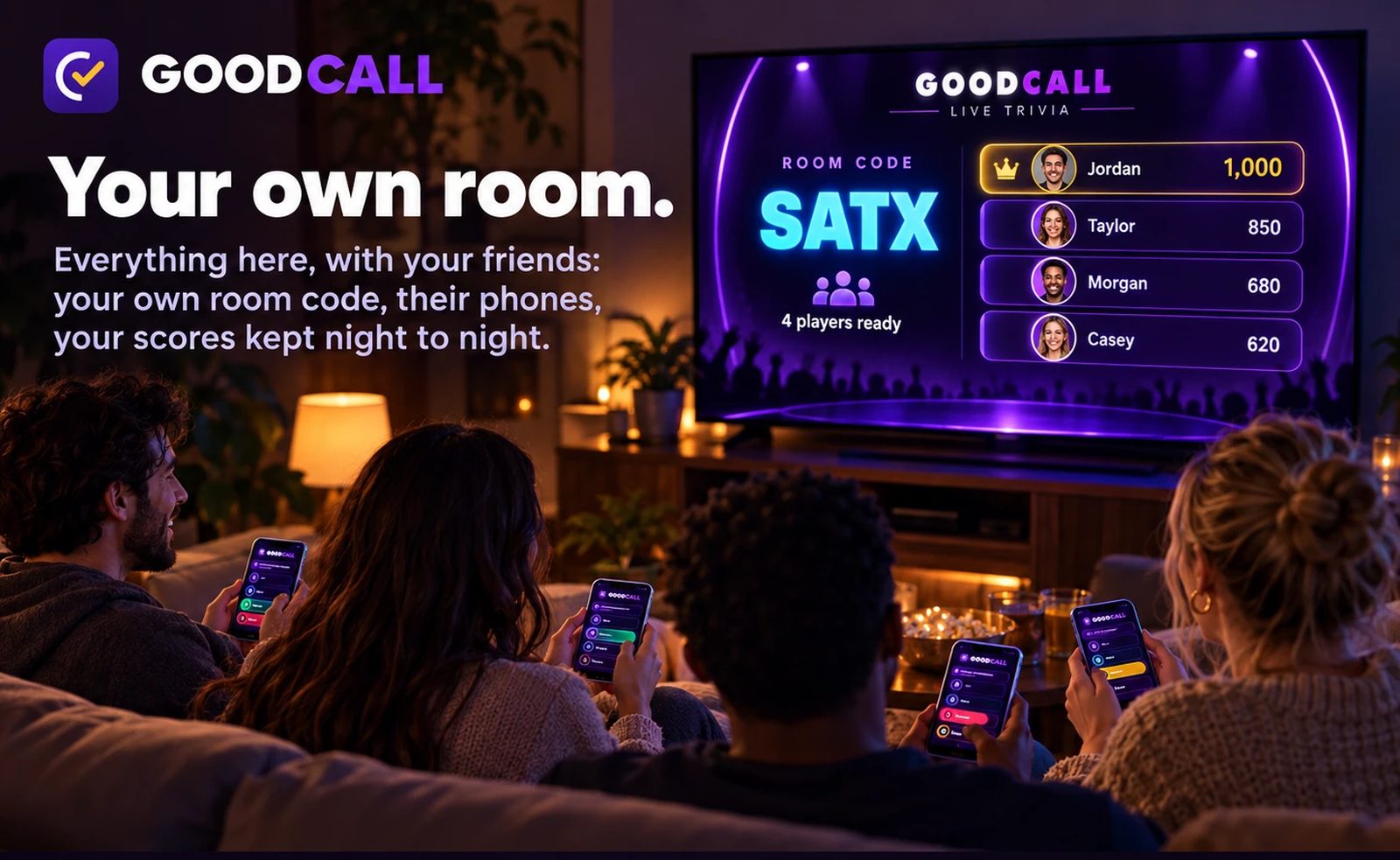
Put it on any TV, or the Fire TV app
Any TV with a browser can show the game: open goodcalltrivia.com/tv and type your room code, or cast that page to the TV from a phone or laptop. The free Fire TV app adds a remote that runs the whole night. Both are optional; a night works with no TV at all.
Put It on a TV →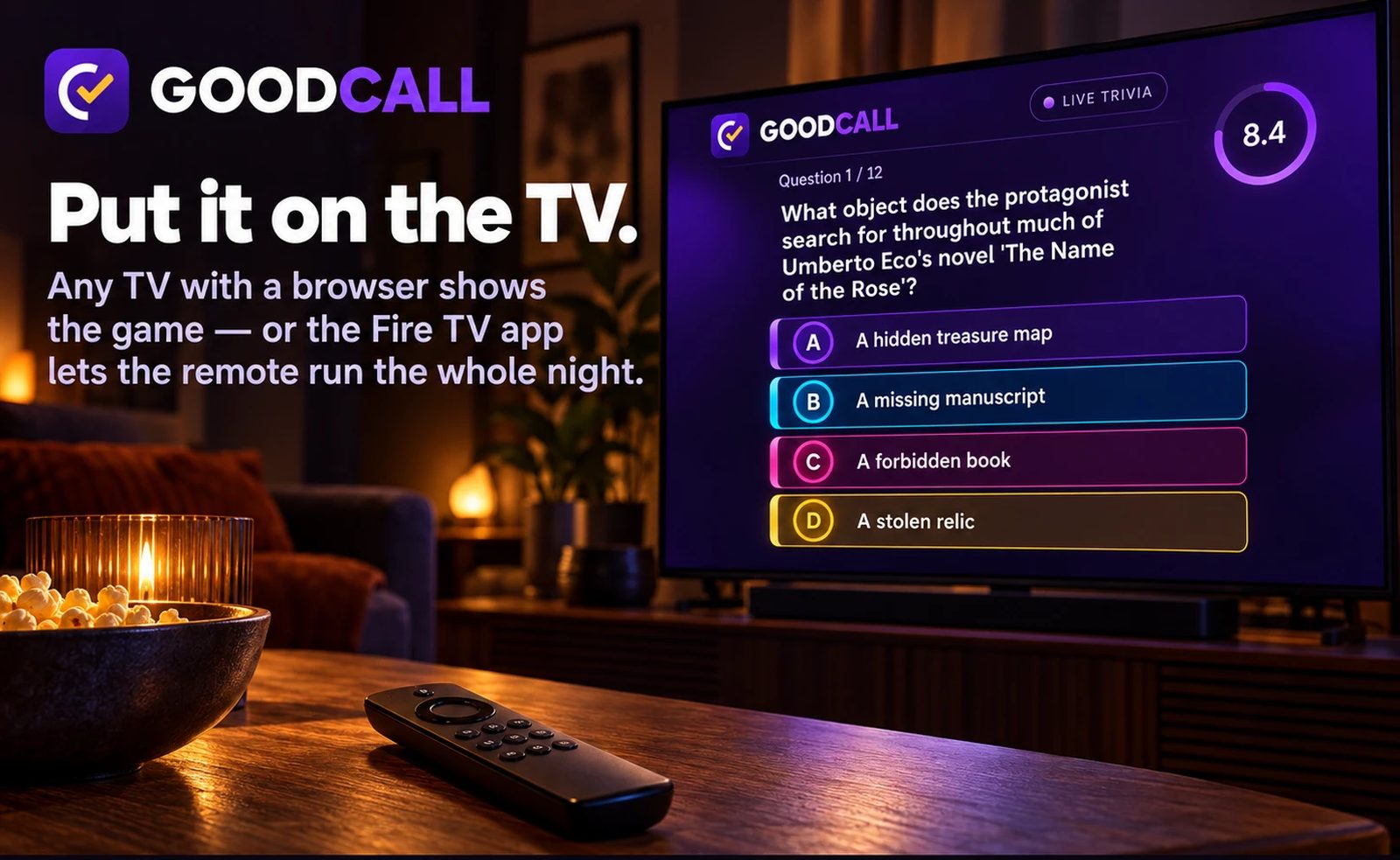
Load your own questions with your AI
Copy our prompt into ChatGPT, Claude or whatever you use, attach the template, and tell it the topic. Upload the file it gives you and the category shows up as a game once it holds 12 questions. Good for a family night, a study set, or the regulars' in-jokes.
Your Own Questions → What's already in it →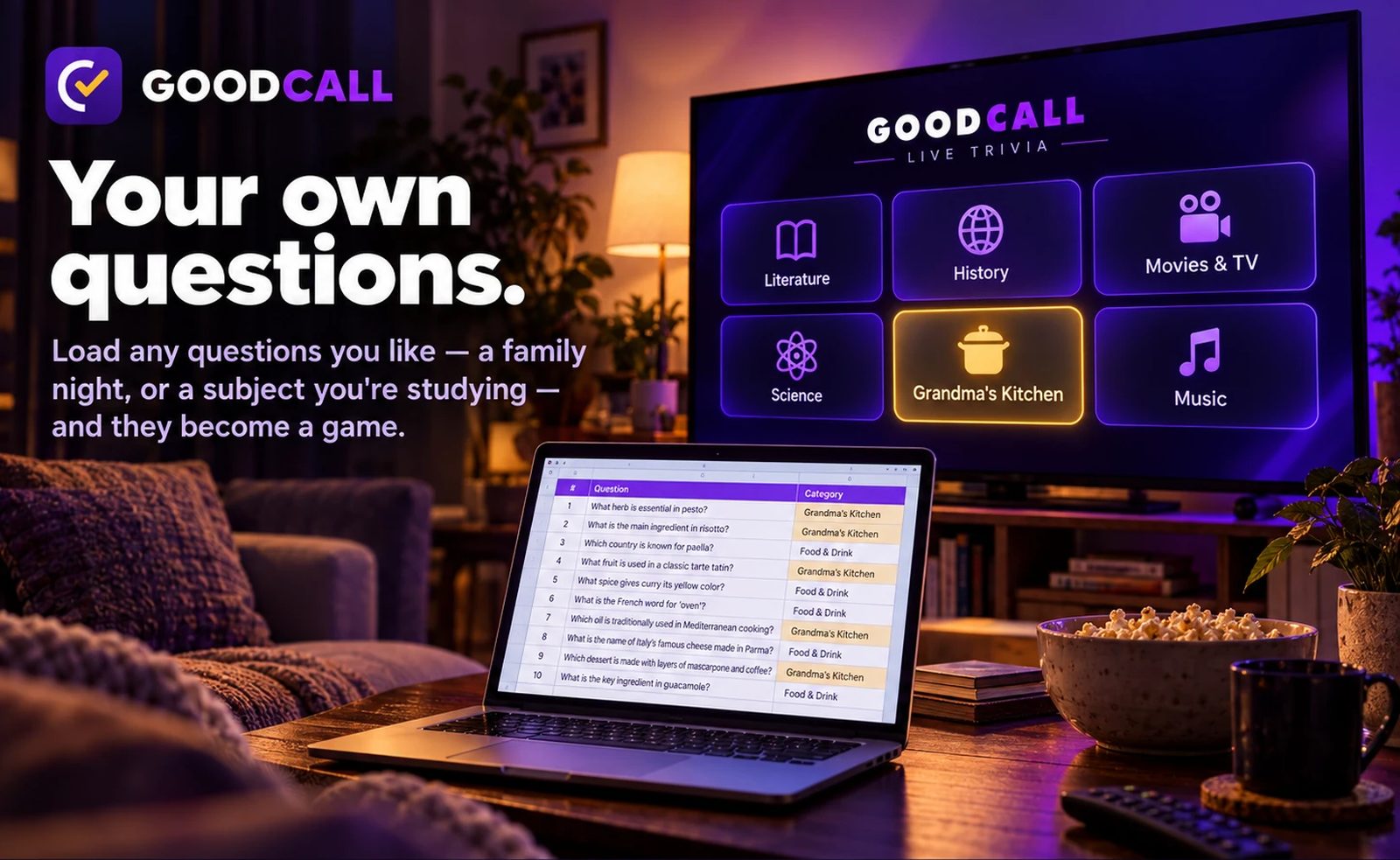
Make homework a game
Load the week's spelling words or the science chapter. The kids play it with the whole family, together or apart, and the fun fact after every answer explains why it's right, so wrong answers teach.
For parents →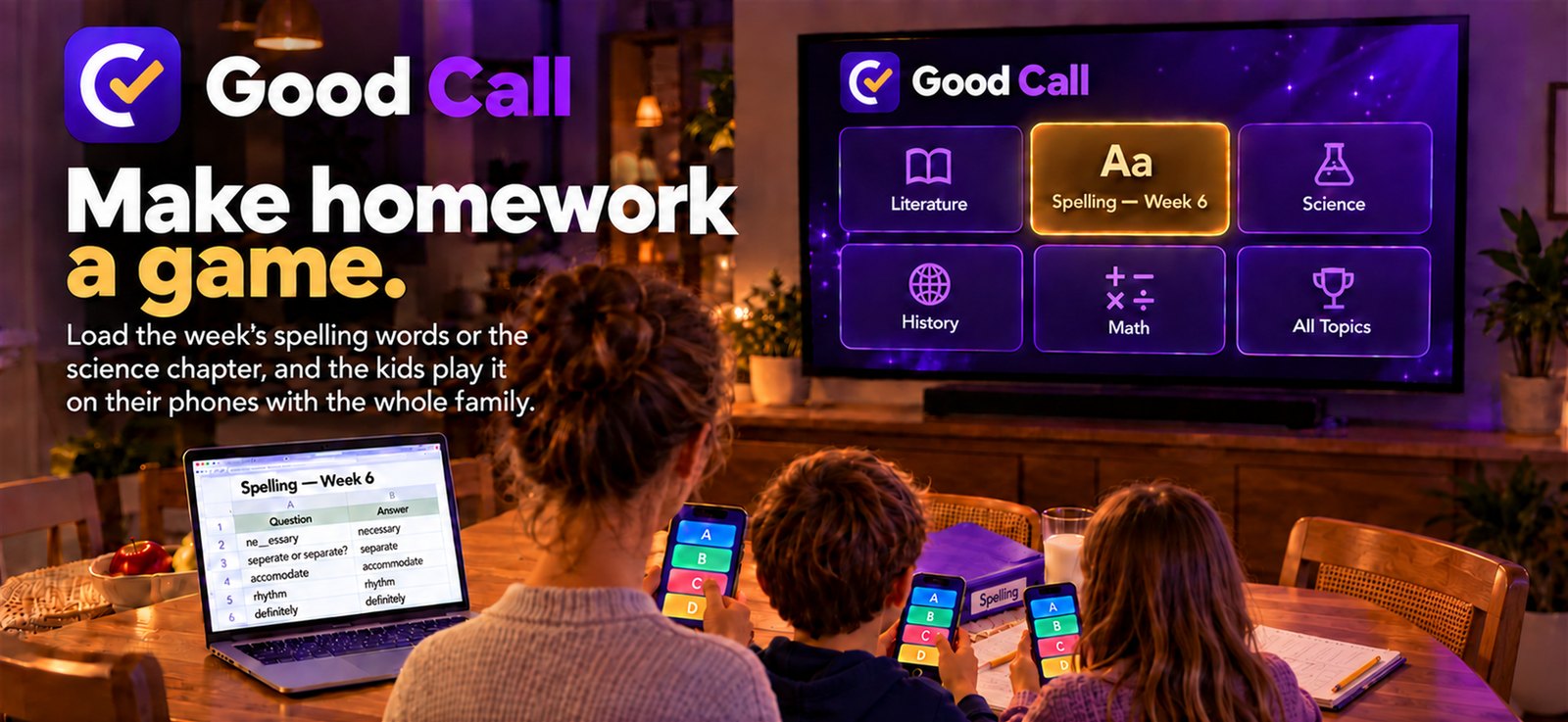
Play together. From anywhere.
Host a room, share the code, and family and friends join from anywhere in the world: the grandparents in one town, the kids in another, everyone on the same question at the same second. Nobody has to be in the same room, and a TV is optional.
How joining from far away works →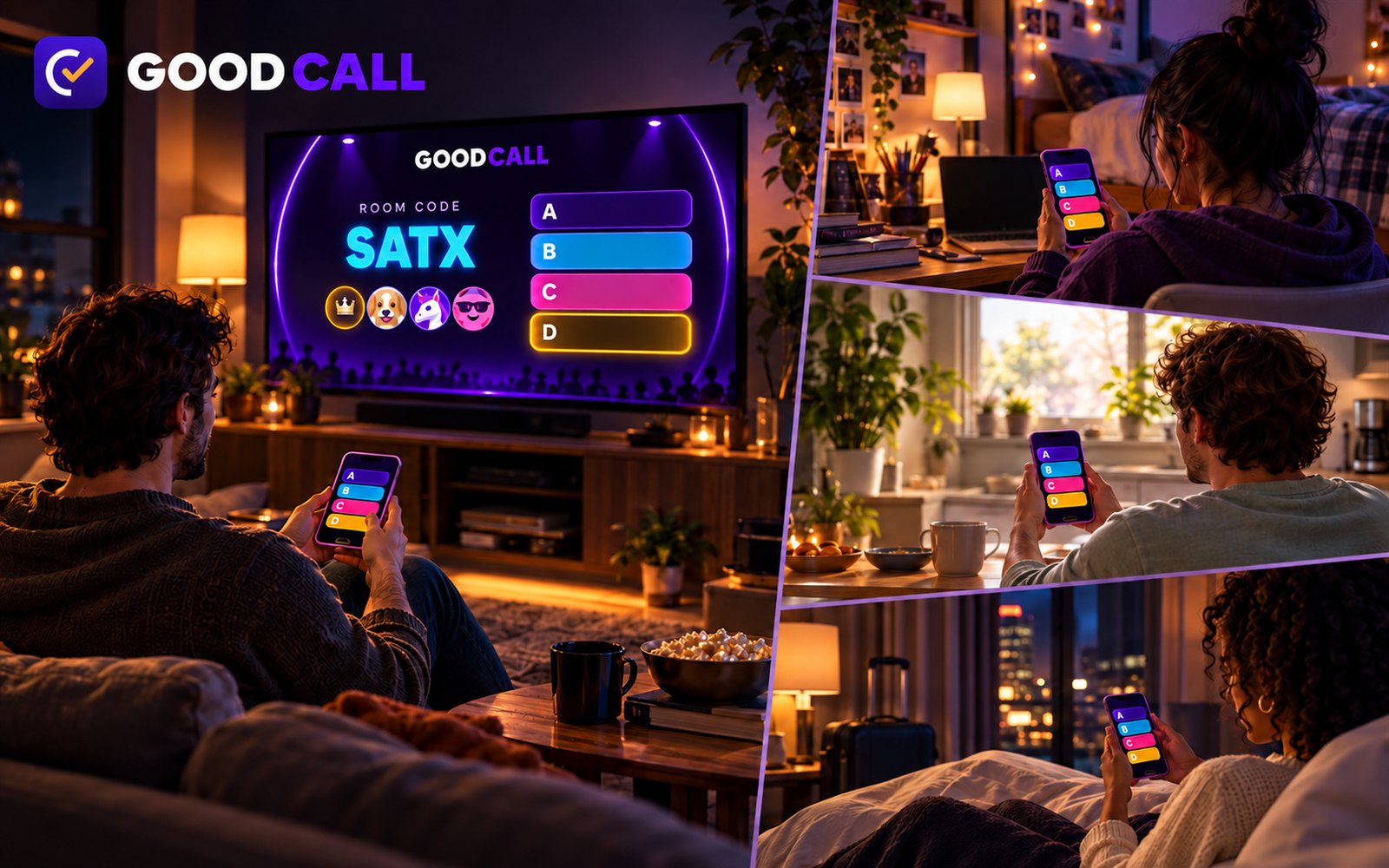
Make it fit your room
A bar on a Thursday, a family after dinner, a classroom, a retirement home, a bachelorette party: the same game, different speeds. Everything below is a setting on your host page, changeable between games, some of it mid-game. The defaults are what a first night gets, and they are good defaults; you don't have to touch any of this.
How hard
Pick per game. The mix is a weighting, not a wall: every level can still appear.
- Warm Up — mostly easy. Seven in ten questions are the two easiest levels. First games, kids, a mixed family, a room that wants to laugh more than think.
- Standard — the default. A bell curve centred on medium; one in ten is a gimme, one in ten is a stumper.
- Pro — seven in ten are the two hardest levels. Regulars, a league night, people who will complain if it's easy.
- Mix It Up — every level equally, so a gimme and a stumper land back to back and nobody coasts.
How fast
- Reading time. The question goes up on its own before the answers land and the clock starts, so a long question doesn't cost anyone points. Default 4 seconds; set it anywhere from 0 to 10. A room that reads slower, or a TV far from the players, wants 6 to 8.
- The clock. Fade Away is 12 seconds and Clued In is 20 by design; they don't stretch, because the scoring is built on them. The Gambler's clock is yours: 45 seconds by default, 15 to 120.
- Time between questions. How long the fun fact and the standings stay up before the next question: 30 seconds in Fade Away, 20 in Clued In, 25 in The Gambler by default; anything from 12 to 90. Bars stretch it so people can order; families shorten it.
- Hold. Any reveal can be held from the host page, the phone remote or the TV remote, for as long as the room wants to argue about it. One press to continue.
- Questions per game. 8, 10, 12, 15 or 20; 12 by default. Fifteen is about a quarter of an hour in Fade Away with the default gap.
- The break between games. 3 minutes by default, 30 seconds to 15 minutes. The room votes on the next game during it, unless you turn the vote off and pick yourself.
- The next game starts by itself. On by default: when a game ends the next one starts after the break, all night, without you. Turn it off to run one game at a time.
How it starts
- Ready check. The first game of the night waits until everyone has tapped "I'm ready, let's go!", so nobody misses question one while finding a seat. Set it to wait before every game, or never wait. You can always start anyway.
- Rules card. The style's rules on the TV and the phones before the first question, 30 seconds by default, up to 2 minutes or off.
- Solo, teams, or both. Players can share one name and one score, or everyone plays alone; each player picks when they join.
How it sounds
- TV sound and volume, and each cue on its own: the lead-change sting, the count-in beeps, the fanfare for a perfect game, the drum roll before the fastest finger. Off entirely for a bar with music on.
- Voice greetings (the TV says hello when somebody joins) and voice commentary (the big moments read aloud) are switches. Both off is a silent TV.
- Dramatic reveal. The right answer lights after a beat instead of at once.
How it feels
- Chat. A room chat and a team chat on the phones. Off for a classroom.
- The fun fact length for your own questions. 180 characters by default; up to 400 for a study room that wants the explanation, down to 120 for a bar that wants the beat.
- Rename the games. "Anything Goes" can be "Tuesday Special" in your room. The names show on the phones and the TV.
- Your room's name on every phone and the TV, and your custom categories on a shelf named after it.
- Your room code. Pick your own four letters, and every player types it or scans the QR to get in, from the next seat or the next city.
Four rooms, four setups
A short table, so a host can copy one.
| Room | Style | Difficulty | Reading | Gap | Sound |
|---|---|---|---|---|---|
| Bar, Thursday, 30 people | Fade Away, 15 q | Standard | 4 s | 45 s | cues on, voice off |
| Family after dinner, 3 to 6 | Fade Away, 10 q | Warm Up | 6 s | 20 s | everything on |
| Classroom or study group | Clued In, 12 q | Warm Up → Standard | 8 s | 30 s, fun fact 400 | chat off, voice off |
| Retirement home, big TV | Fade Away, 8 q | Warm Up | 10 s | 60 s | volume up, dramatic reveal |