
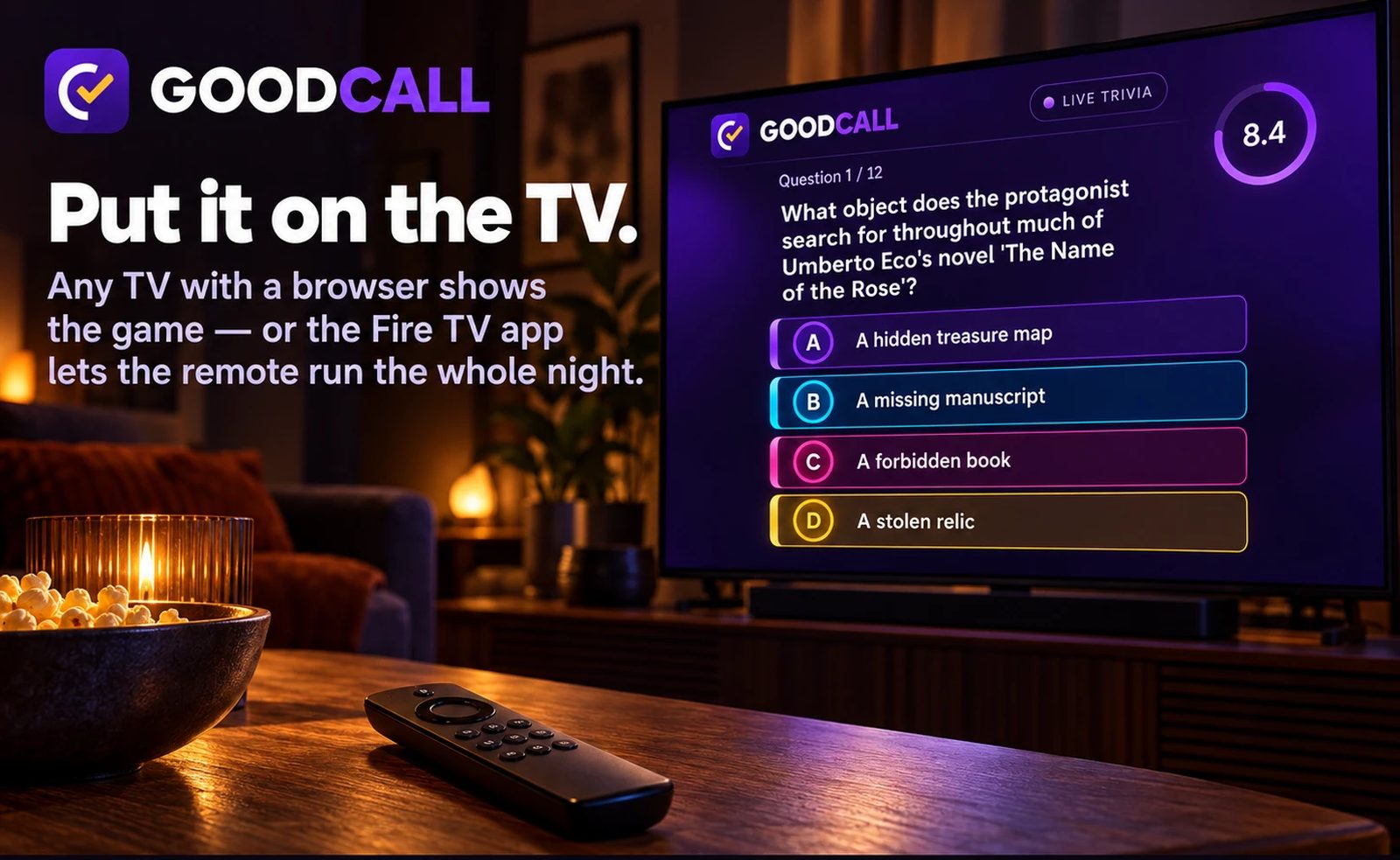
Put it on the TV.
The TV is optional; a game works with no TV at all. But a big screen with the question, the QR and the board makes a room of it. Pick what you've got:
You need a room first → Host a Game Night. The TV joins your room with the same four-letter code your players use.
Fire TV Stick: the free app
Free on the Amazon Appstore: search Good Call Trivia
- Install itOn the Fire TV Stick, open the Appstore, search Good Call Trivia and install it. It's free.
- Open it and choose "Play at goodcalltrivia.com"The TV shows a one-time link code (letters and two digits). That's not a room code; it's how the TV finds its owner.
- Link it to your room, onceOn your host page, open the TVs tab, type the code off the TV and press Link. The TV now belongs to your room; it never asks again.
From then on the remote runs the whole night: pick a game style, pick the questions, press Start. The TV shows the QR, the join address and your four-letter room code, then the whole game.
A smart TV, or a laptop on HDMI
A smart TV with a browser, a streaming box with a browser, or a laptop plugged in over HDMI all work. Open goodcalltrivia.com/tv and type your four-letter room code. It remembers the code, so next time the TV goes straight to your game.
Just a phone: cast or mirror it
Open goodcalltrivia.com/tv on a phone or laptop, type your room code, and send that screen to the TV. We've tested these:
- Chromecast or Google TV — the Cast button in Chrome (cast the tab).
- Apple TV or an AirPlay TV — Screen Mirroring from an iPhone, iPad or Mac.
- The TV's own mirroring — Miracast on Windows, Smart View on Samsung phones.
Mirroring sends a video of the phone's screen, so on some TVs it can look a little blocky next to the app or a browser. The game plays the same; if you have a Fire TV Stick or a browser on the TV, use that.
Before you start
A room code comes from your host page, so you need a room first. Rooms are free, and sign-in is with Google.